



 HushIn development
Background sound for tinnitus and sleep
Pick a sound, match your pitch and set a timer.
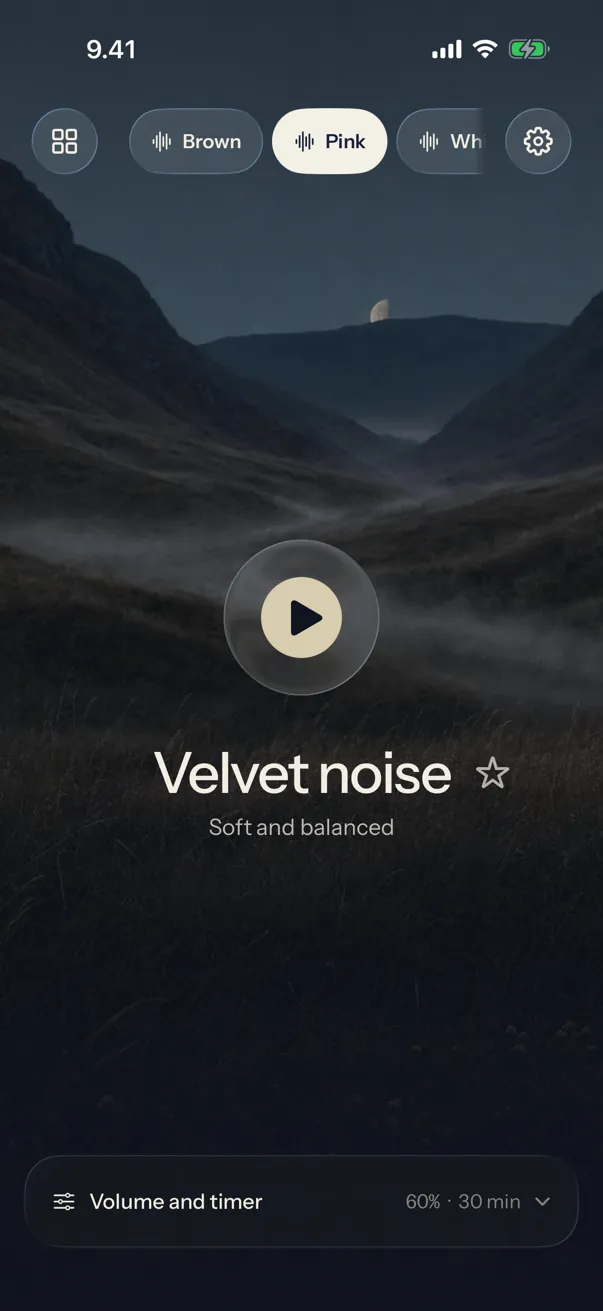
What you can do in Hush.
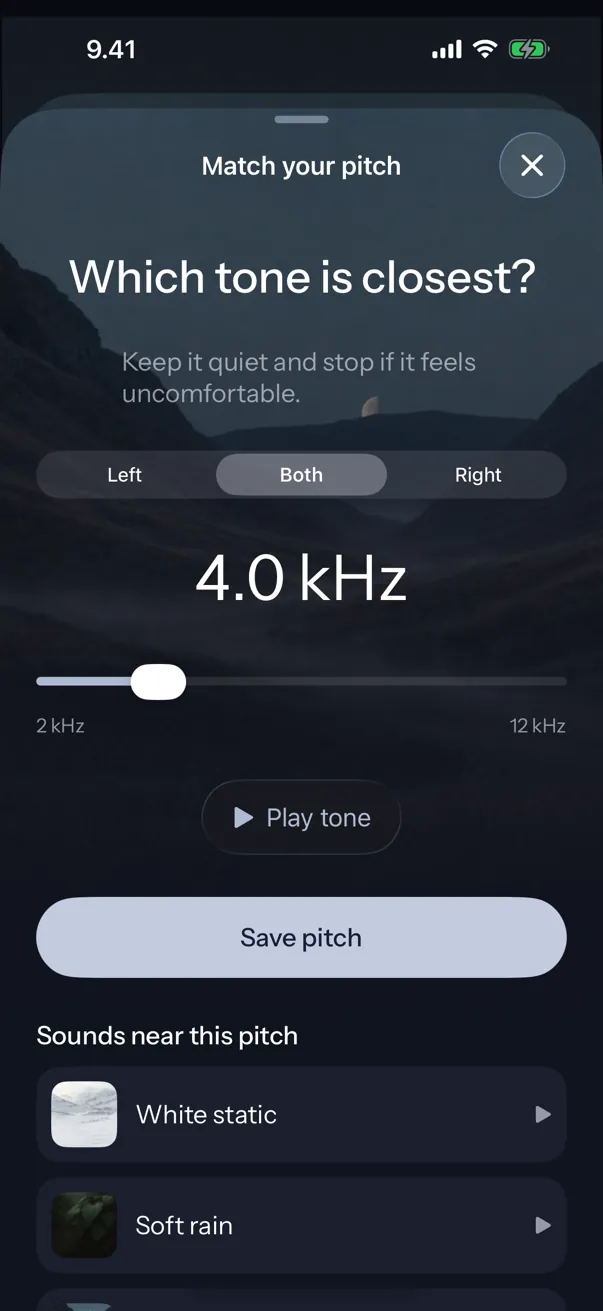
Match your pitch. Find sounds near the ringing you hear. Pitch matching is free.

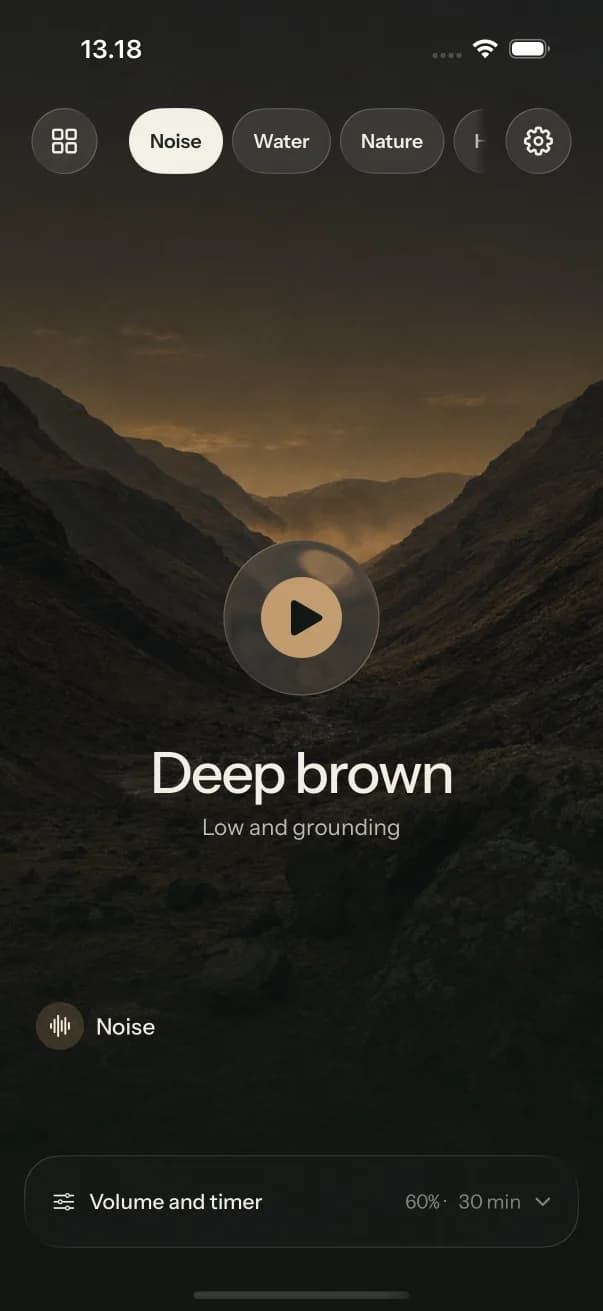
Favourites. Save the sounds you like and switch between them with a crossfade.

Mixing. Adjust rain, wind and other layers with Hush Plus.
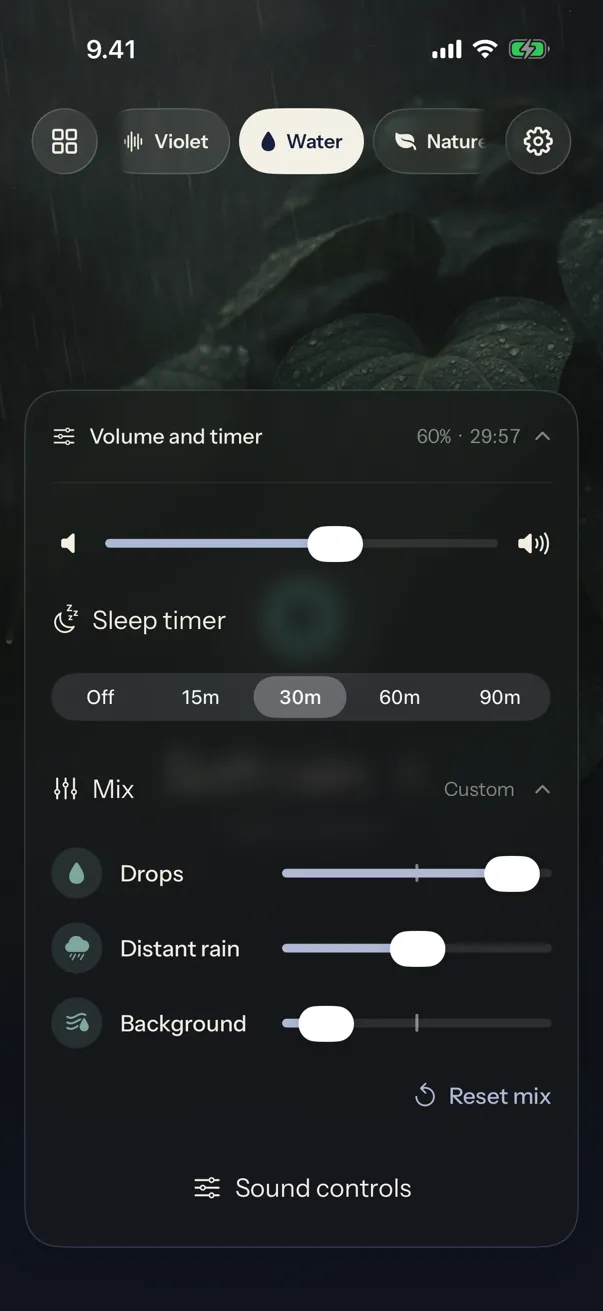
Sleep timer. Stop after 15, 30, 60 or 90 minutes, with an optional fade.

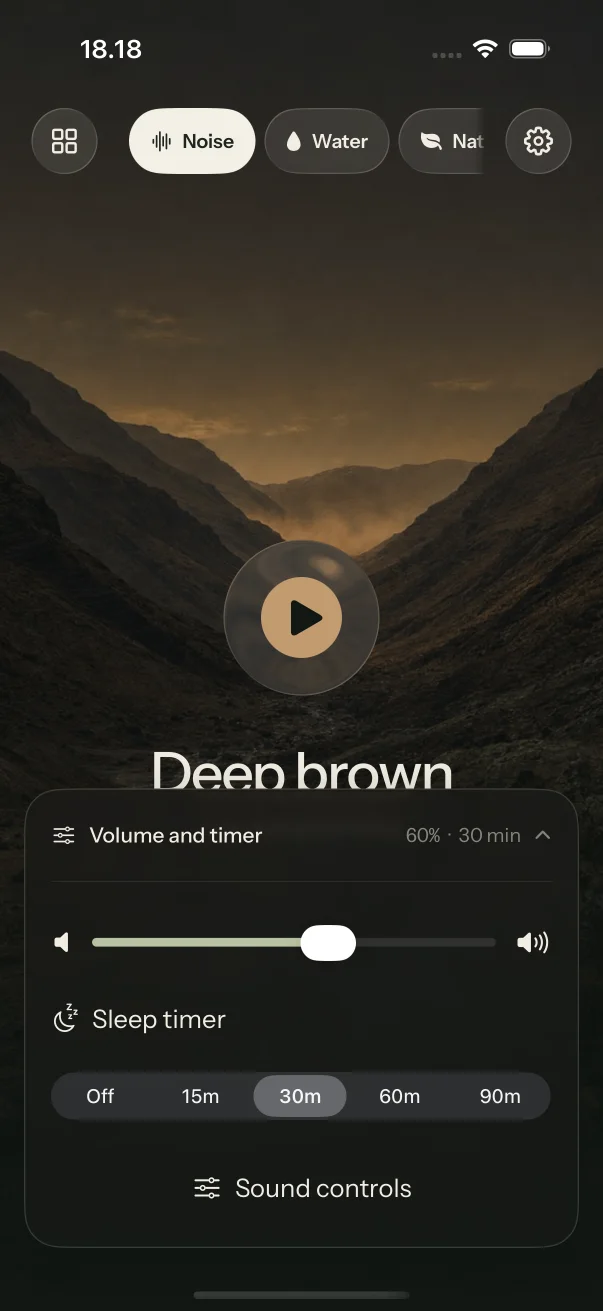
Sound direction. Move sound toward either ear with Hush Plus.
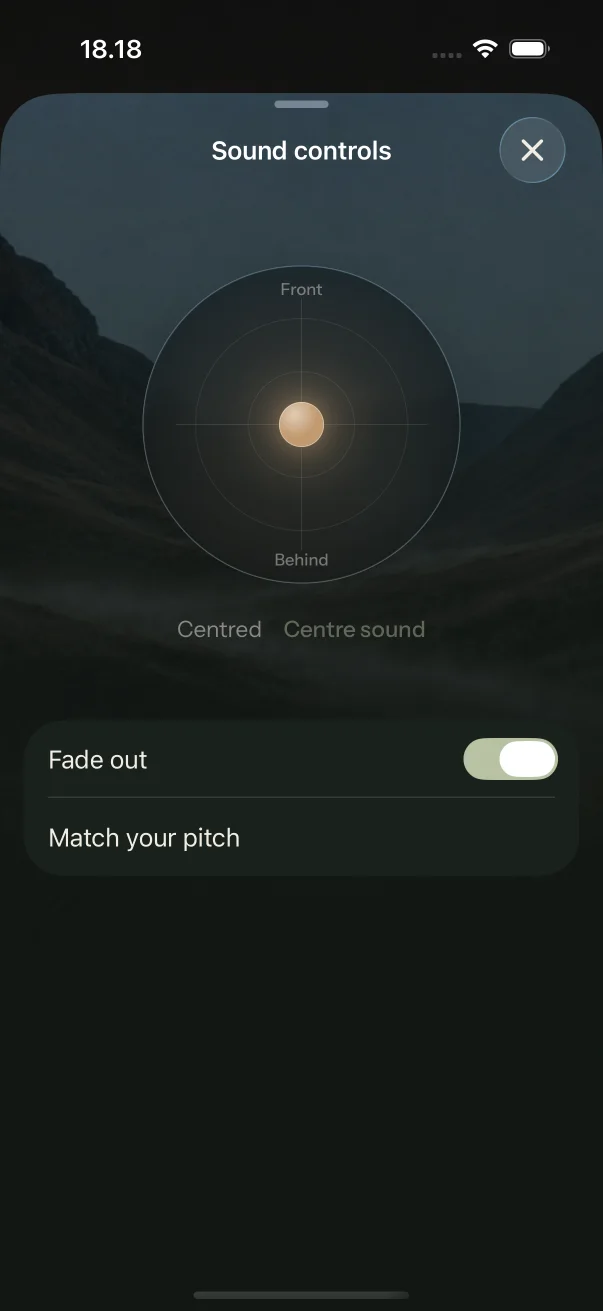
72 sounds
Noise, water, nature, home and travel.
 Velvet noise
 Soft rain
 Ocean wash
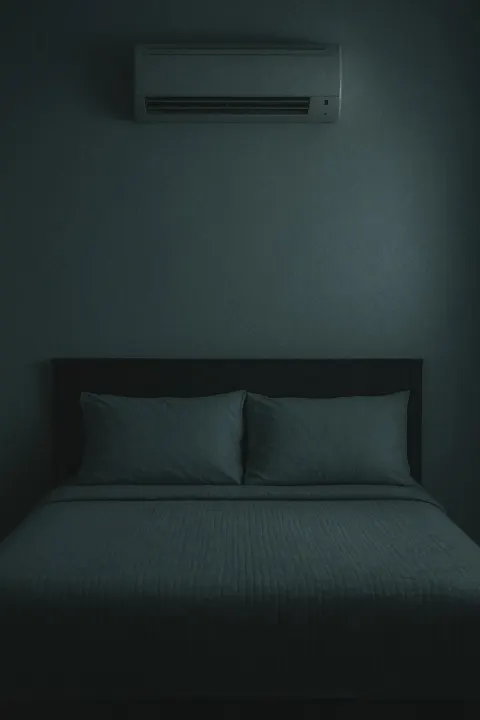 Cool air
 Forest stream
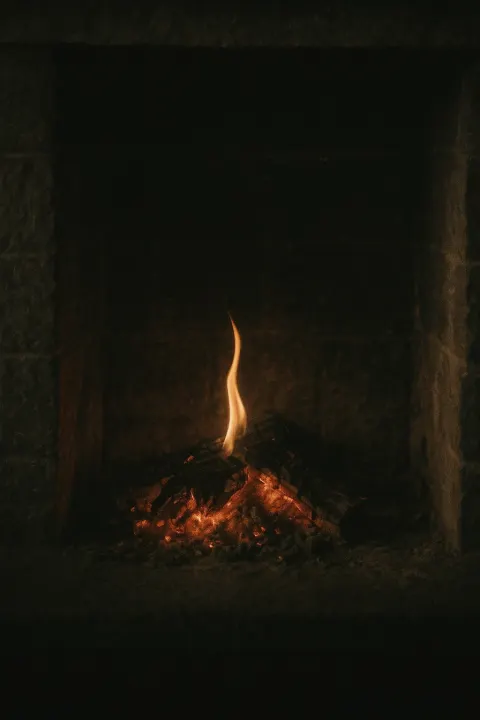 Quiet fire
 Night train
 Snowstorm
 Night drive
 Distant thunder
 Summer night
 Lakeshore
No account needed
Hush privacy policy- No listening history
- No advertising trackers
- Settings stay on your device
Questions about Hush
When can I get Hush?
It’s in development for iPhone and iPad. Use Get launch news to hear when it’s ready.
Is Hush a tinnitus treatment?
No. Hush offers background sound, not diagnosis or treatment. Pitch matching isn’t a hearing test. Have tinnitus assessed by a doctor or ENT specialist.
Does it need the internet?
No. Every sound plays offline, including with the screen locked.
What is free?
Six sounds, pitch matching, favourites and the timer. Hush Plus adds all 72 sounds, mixing, direction and a notch filter at your pitch. Monthly or yearly subscription.

 Unbend
 I AM