
 English
 Suomi

Choose a body area
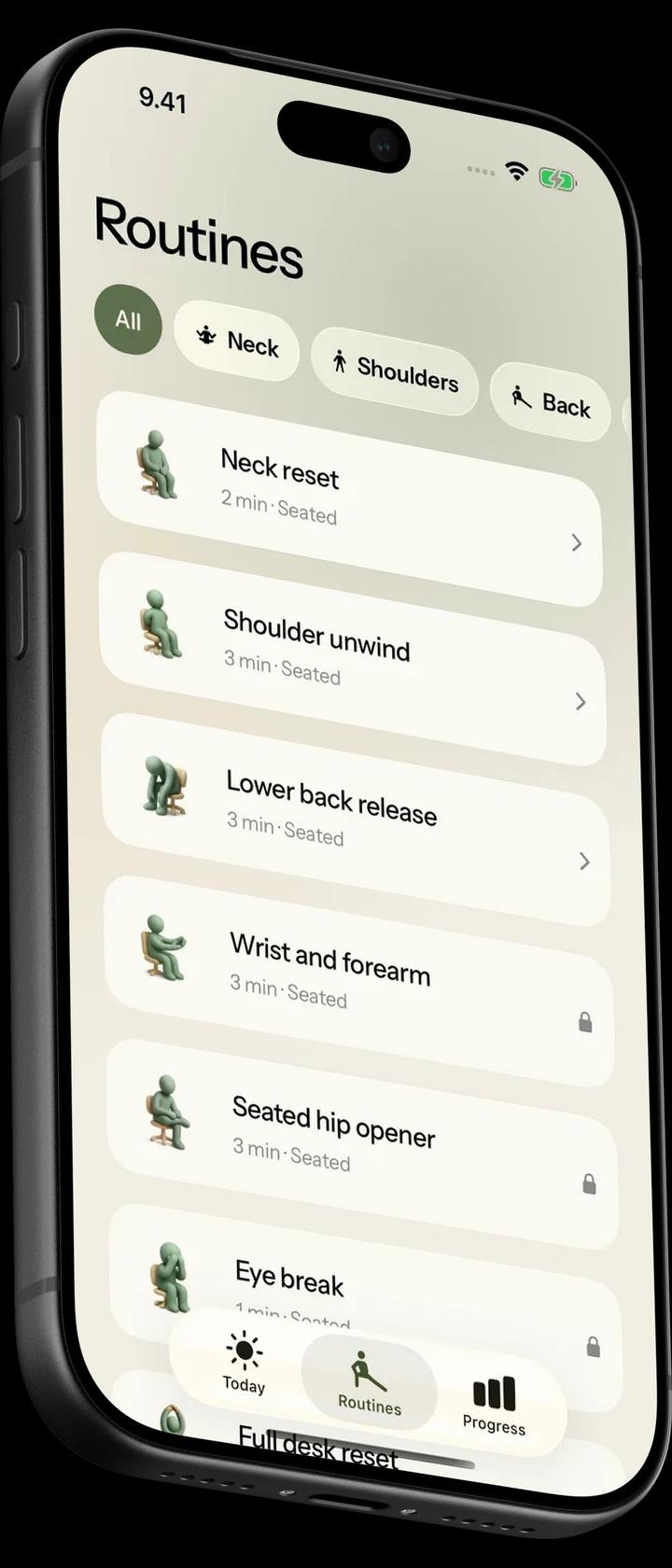
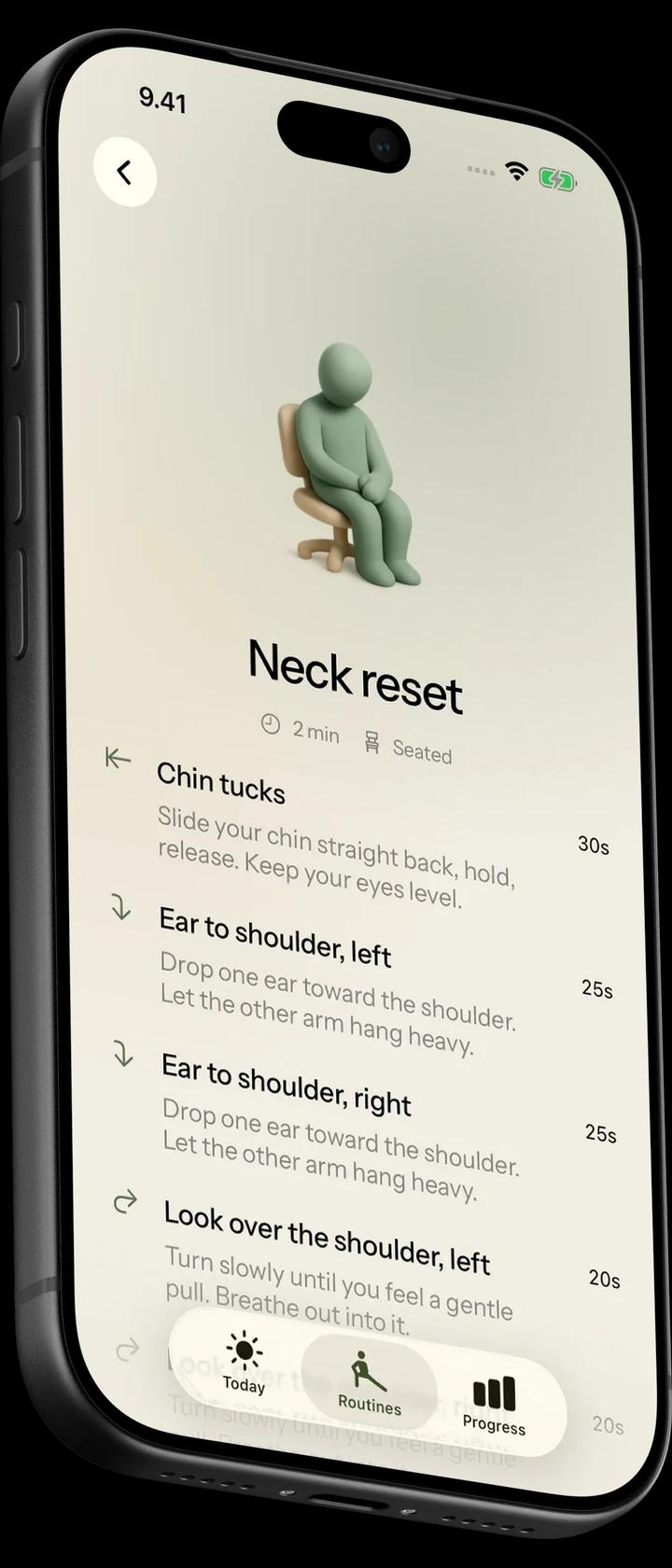
Filter routines by body area. Each routine shows its duration and whether you do it seated or standing.
Guided routines for your neck, shoulders, back and wrists.
Filter routines by body area. Each routine shows its duration and whether you do it seated or standing.
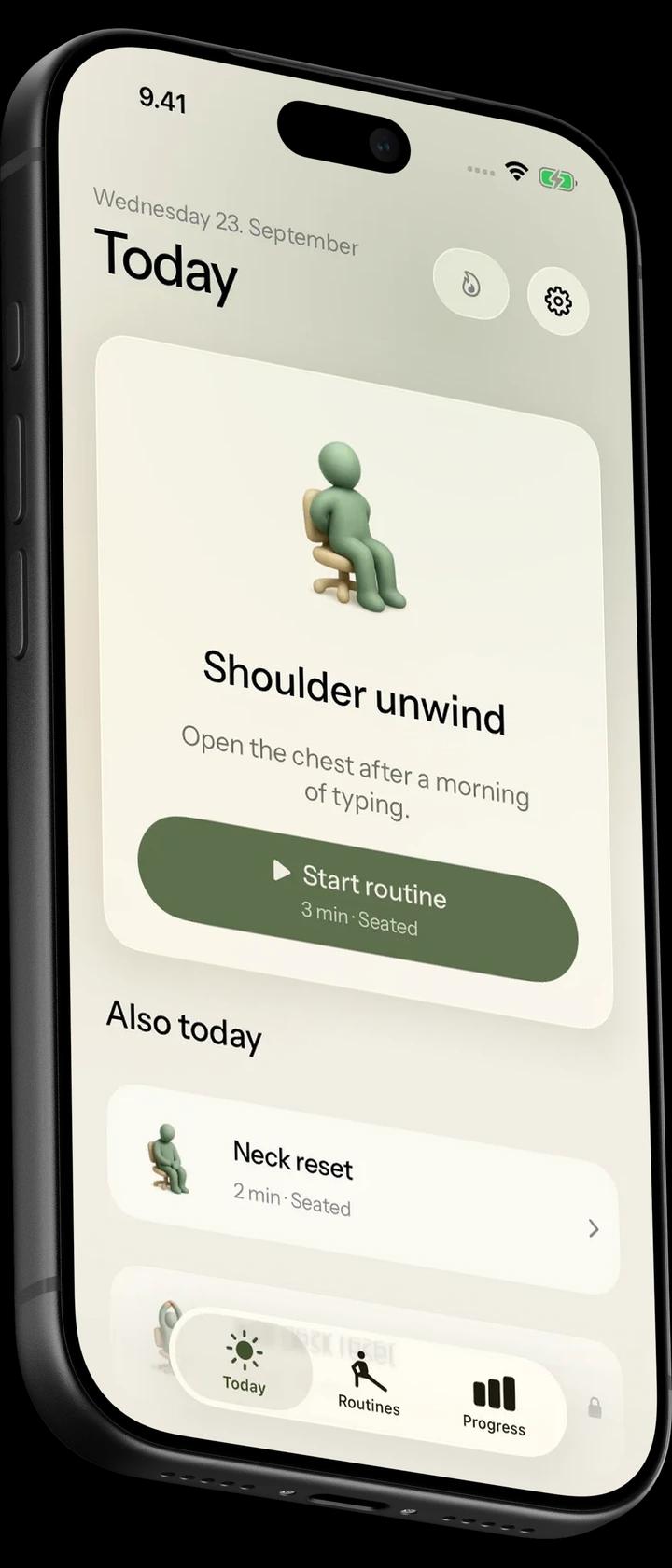
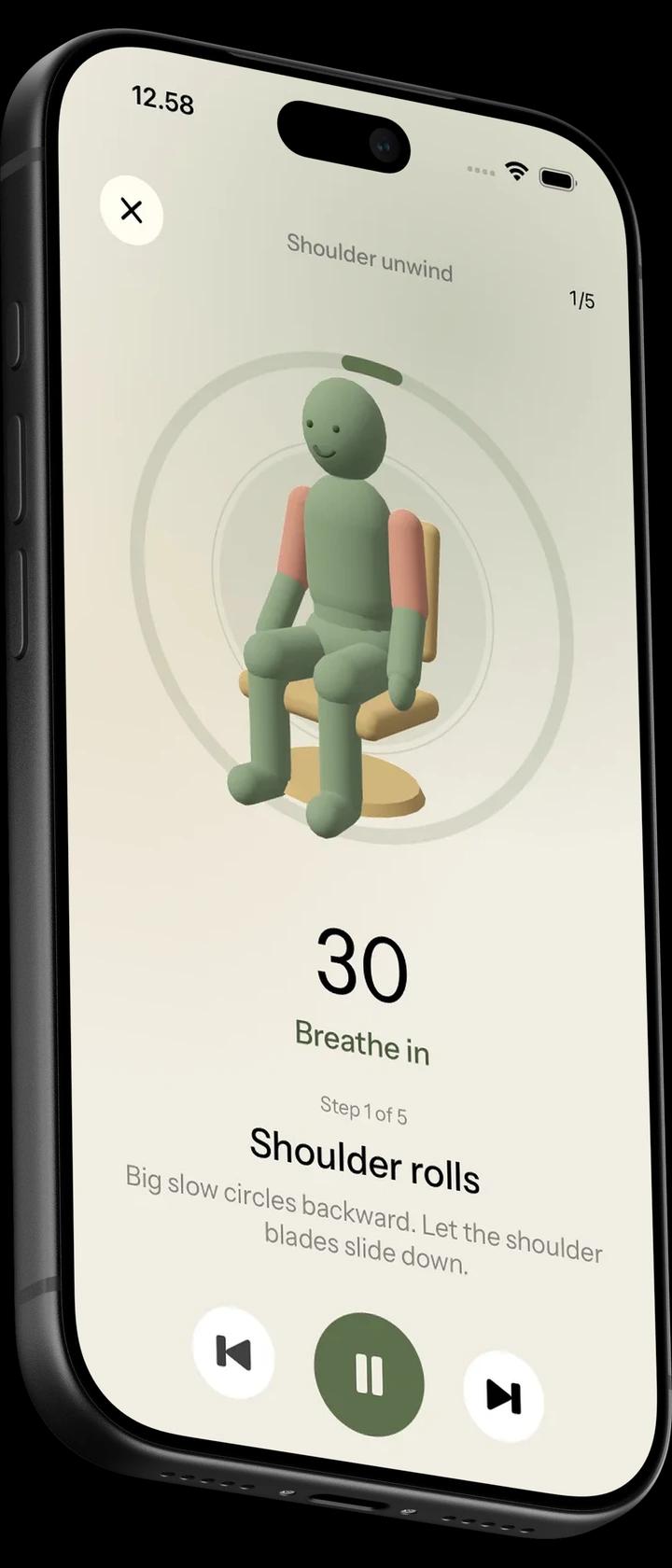
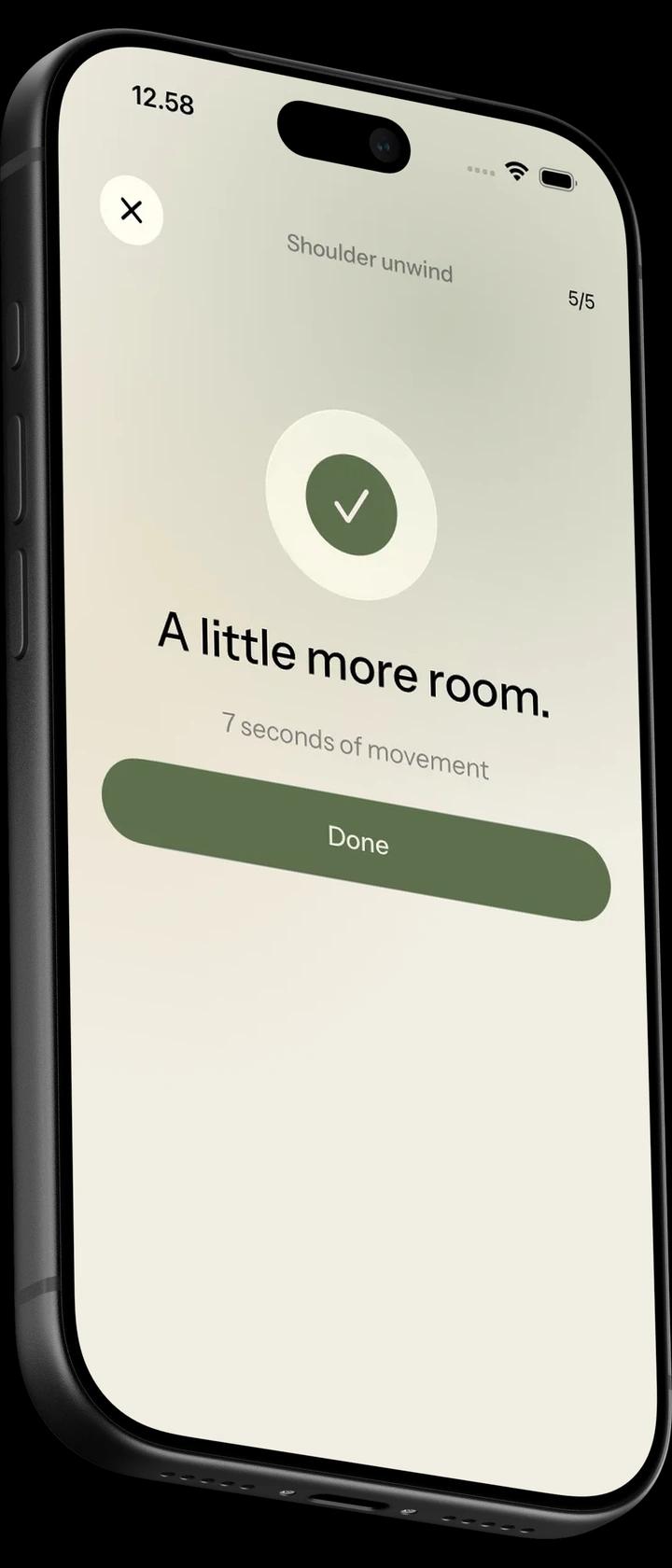
A 3D figure demonstrates each movement. A timer and breathing cues guide each step.
Set reminders once a day or every 30, 45, 60 or 90 minutes. Choose your work hours, weekdays and lunch break.
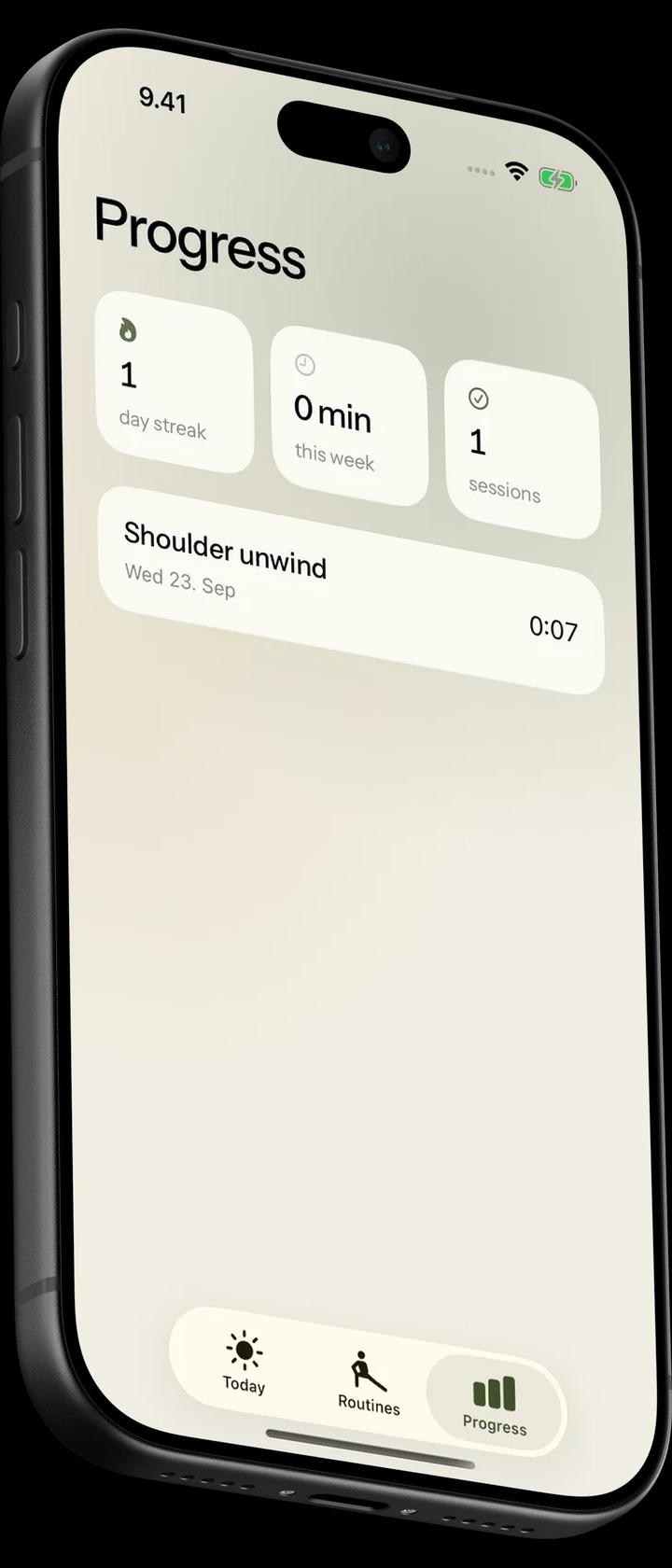
Your streak, minutes and sessions this week, and the routines you finished.
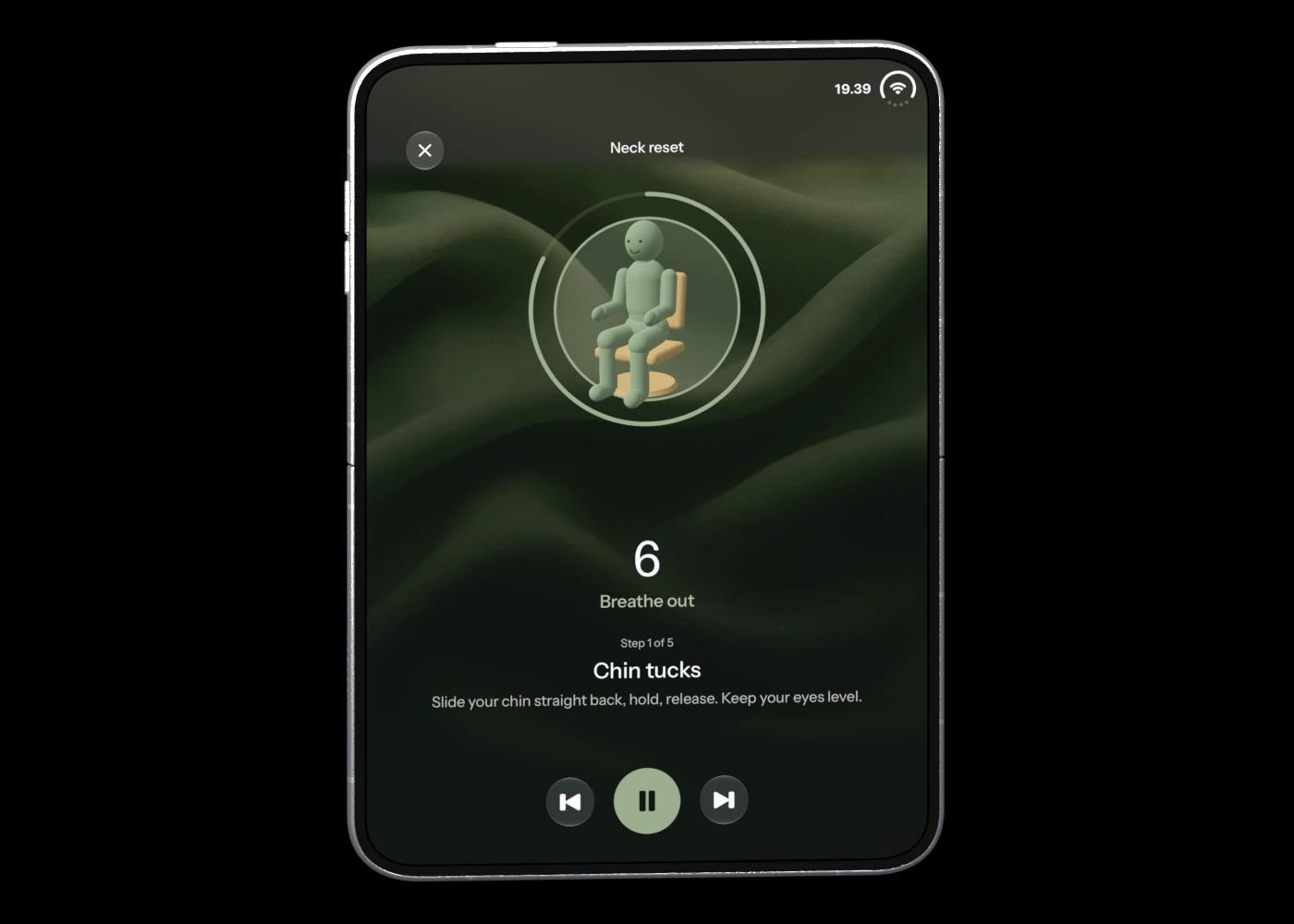
Unbend arranges the movement and playback controls around the hinge.
Three are free. Unbend Pro opens the other nine, reminders and your last 30 sessions.
Neck, shoulders, back, hips, wrists, eyes and energy.
Ten routines are done in your chair, two standing beside it.
Breathe in for four seconds and out for six.
Every routine and movement is on the phone. No connection needed.
A 3D figure demonstrates the stretches.
All 12 routines, reminders and your last 30 sessions, monthly or yearly.

Yes. Unbend adapts its routines, session controls and progress screens to the inner and outer displays, including partially folded positions.
Unbend is still in development for iPhone, so it isn’t in the App Store yet. Email info@strateal.com and we’ll tell you when it is.
No. Ten routines are done in your chair and two standing beside it. A chair with a backrest is all you need.
Neck reset, Shoulder unwind and Lower back release are free. Unbend Pro, monthly or yearly, opens the other nine routines, reminders and your last 30 sessions.
Yes. Routines, movements and your history are all on the phone.
With Unbend Pro, yes. Pick once a day or every 30, 45, 60 or 90 minutes between the hours you work, and switch on weekdays only or a quiet lunch hour if you want them.


 Hush
 Landed